Design in the Office tools you already know
Drag and drop your Qlik Sense objects into Excel, Word, PowerPoint or the HTML editor, and build pixel-perfect report templates. No scripting, no new tool to learn.
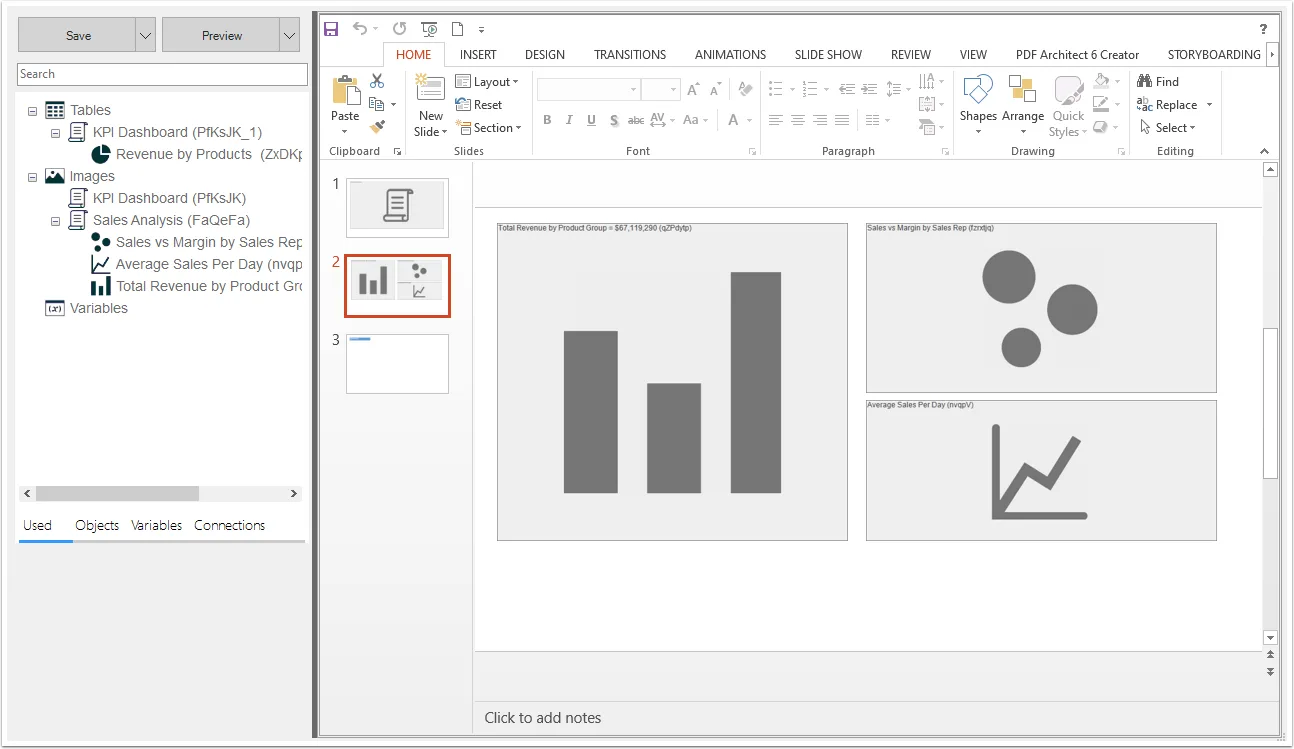 Qalyptus Desktop
Create templates quickly
Qalyptus simplifies template creation by integrating the Office suite (Excel, Word and PowerPoint). All the objects, variables and sheets of your Qlik Sense and QlikView applications are at hand to create your report.
- Qlik objects grouped by sheet, each shown with an icon for its type
- Support for Qlik Sense master items
- Charts created for reporting only, with no need to use them in a sheet
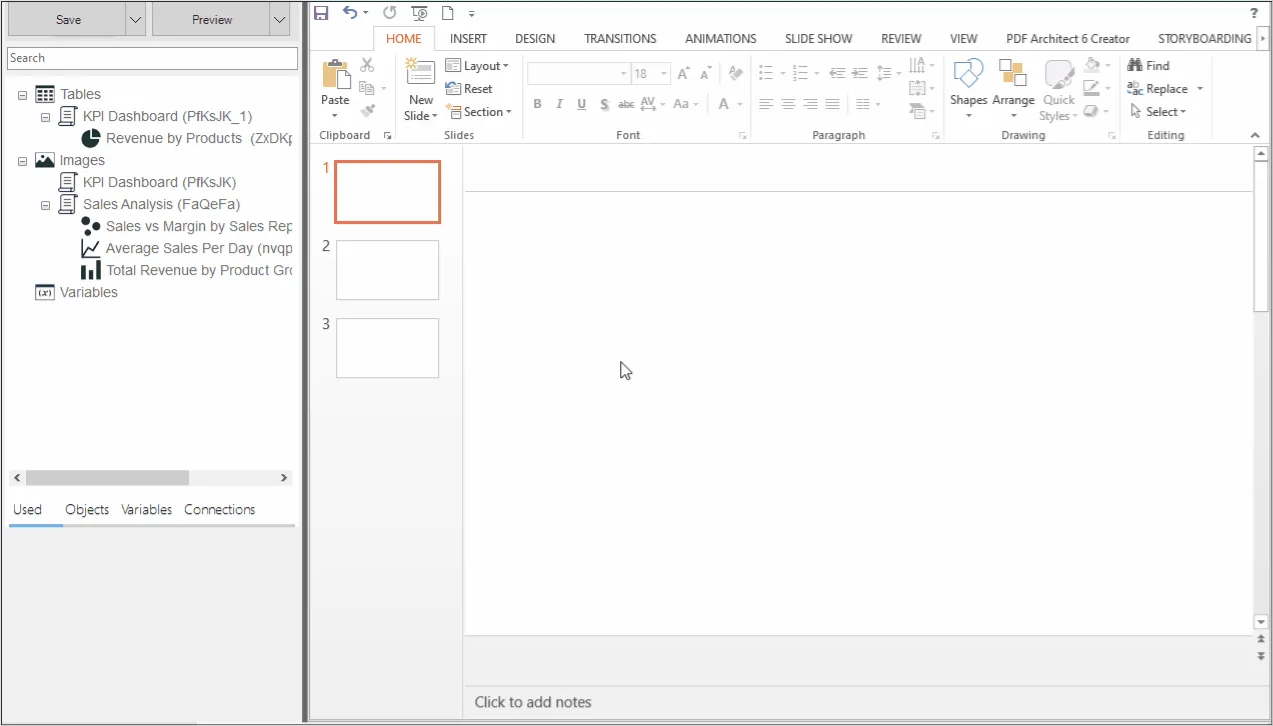
Get custom reports fast
Create your QlikView and Qlik Sense reports in different formats very quickly. With an intuitive interface, build your single reports or iteration reports using multiple fields.
- Excel, PDF, PowerPoint, Word and HTML
- Iteration reports: one file per salesperson, for example
- Native or third-party visualizations as an image or a data table
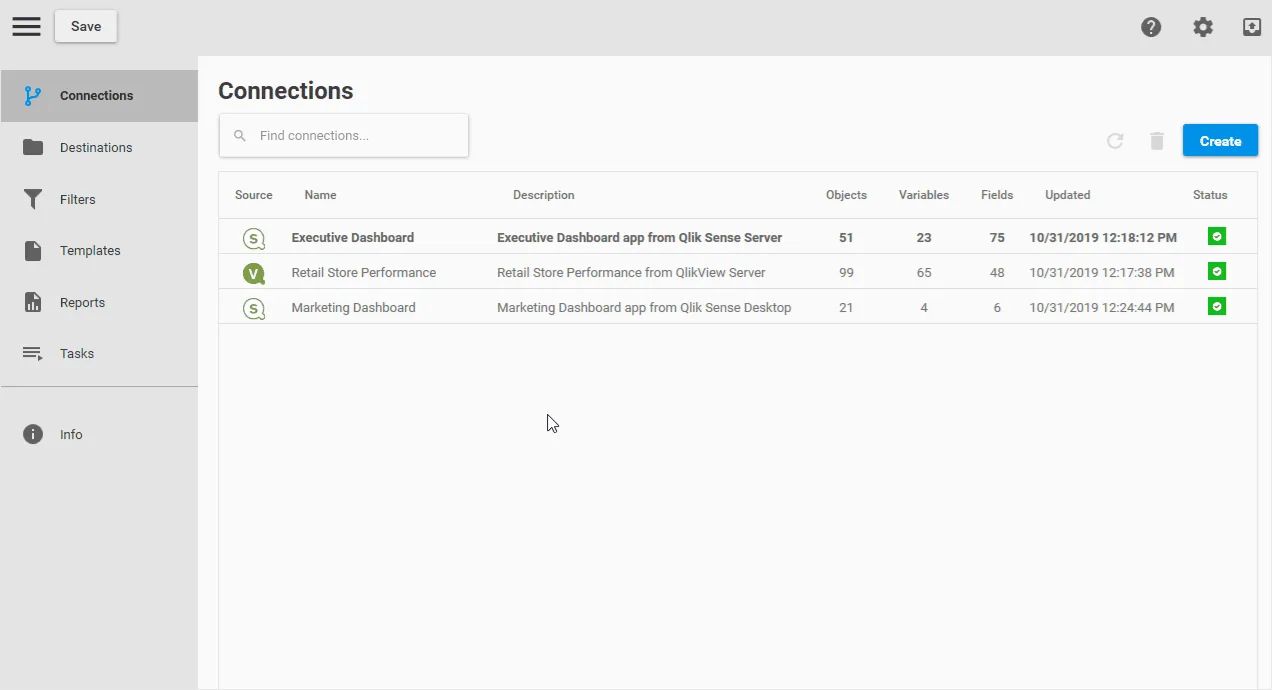
Connect to any source
Do you have a Qlik Sense or QlikView app? You can create reports with Qalyptus, whatever solution you have.
- Qlik Sense Enterprise on Windows
- Qlik Sense Desktop
- QlikView Server
- QlikView Desktop
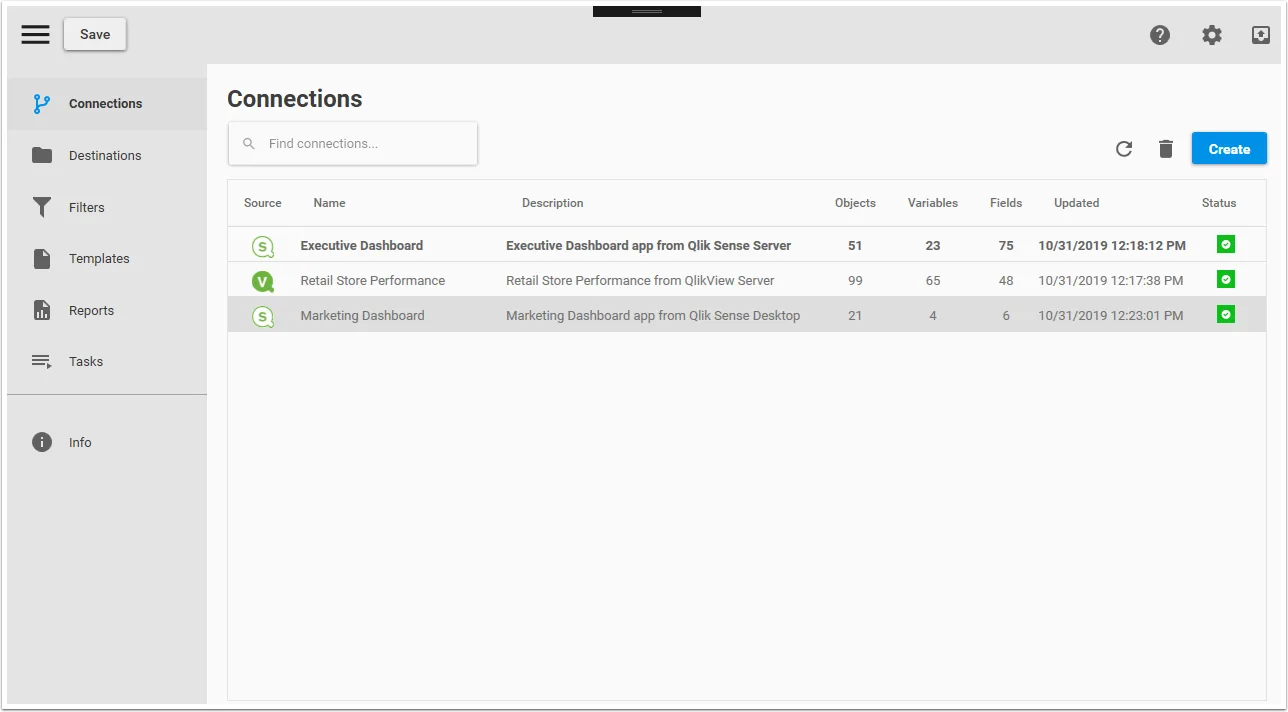
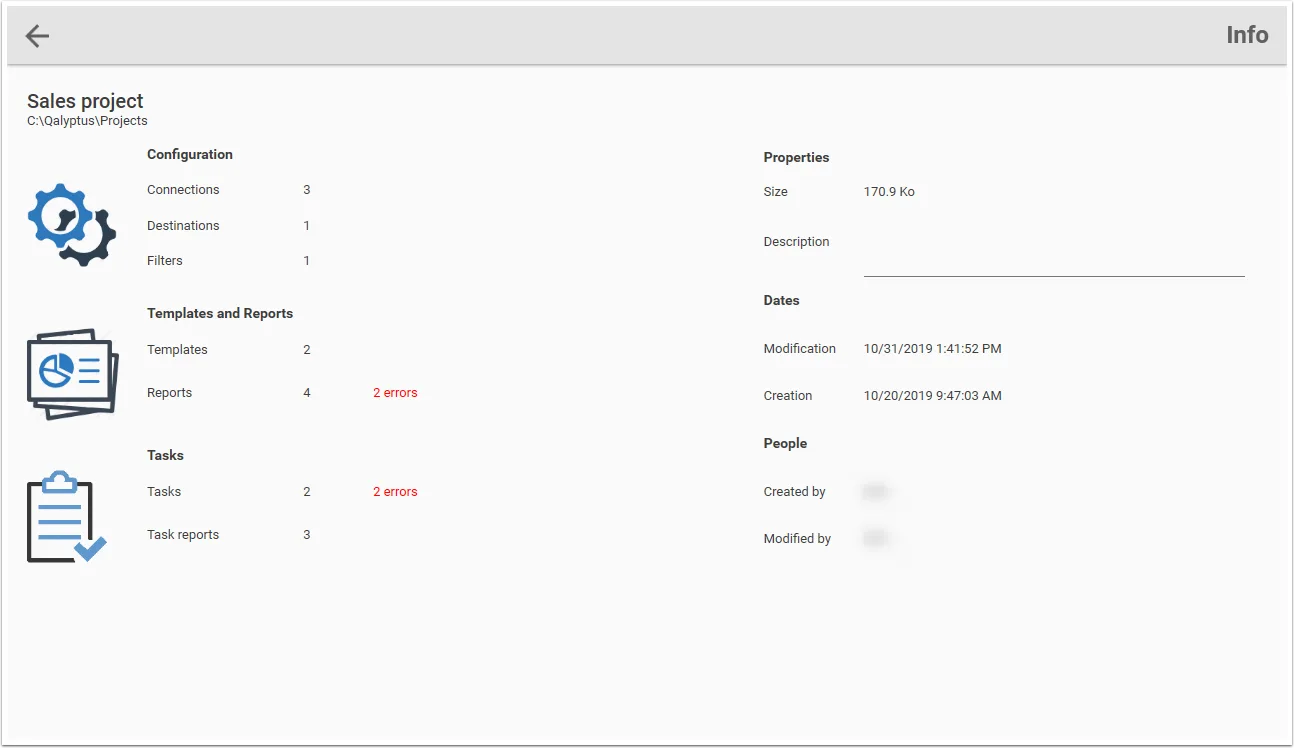
Monitor your application
At any time, find out whether an element of the reporting chain is valid or not. When you delete an element, Qalyptus warns you if other components depend on it.
Publish your project, then let it run
Try the full version of Qalyptus, free for 30 days
No feature limits, no credit card. Download Qalyptus Desktop and Server with your Qlik Sense Enterprise on Windows.