The reporting solution for Qlik Sense SaaS
A multi-tenant solution hosted by Qalyptus and compatible with Qlik Sense Business and Enterprise. Nothing to install: your Qalyptus tenant comes with its own database and file storage space.
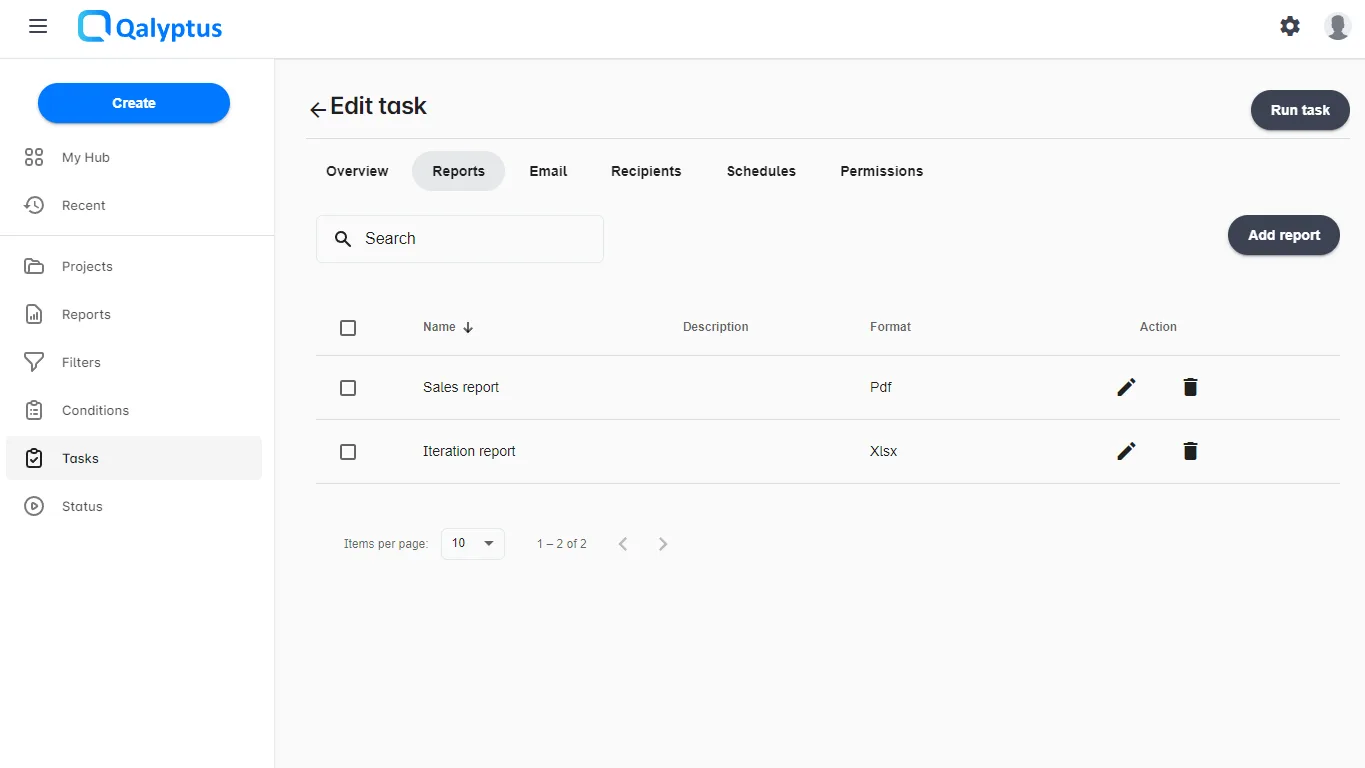 Qalyptus Cloud
Works with Qlik Sense SaaS
Qalyptus Cloud is a multi-tenancy solution hosted by Qalyptus and compatible with Qlik Sense Business and Enterprise. Your Qalyptus tenant has its own database and file storage space. No installation is required.
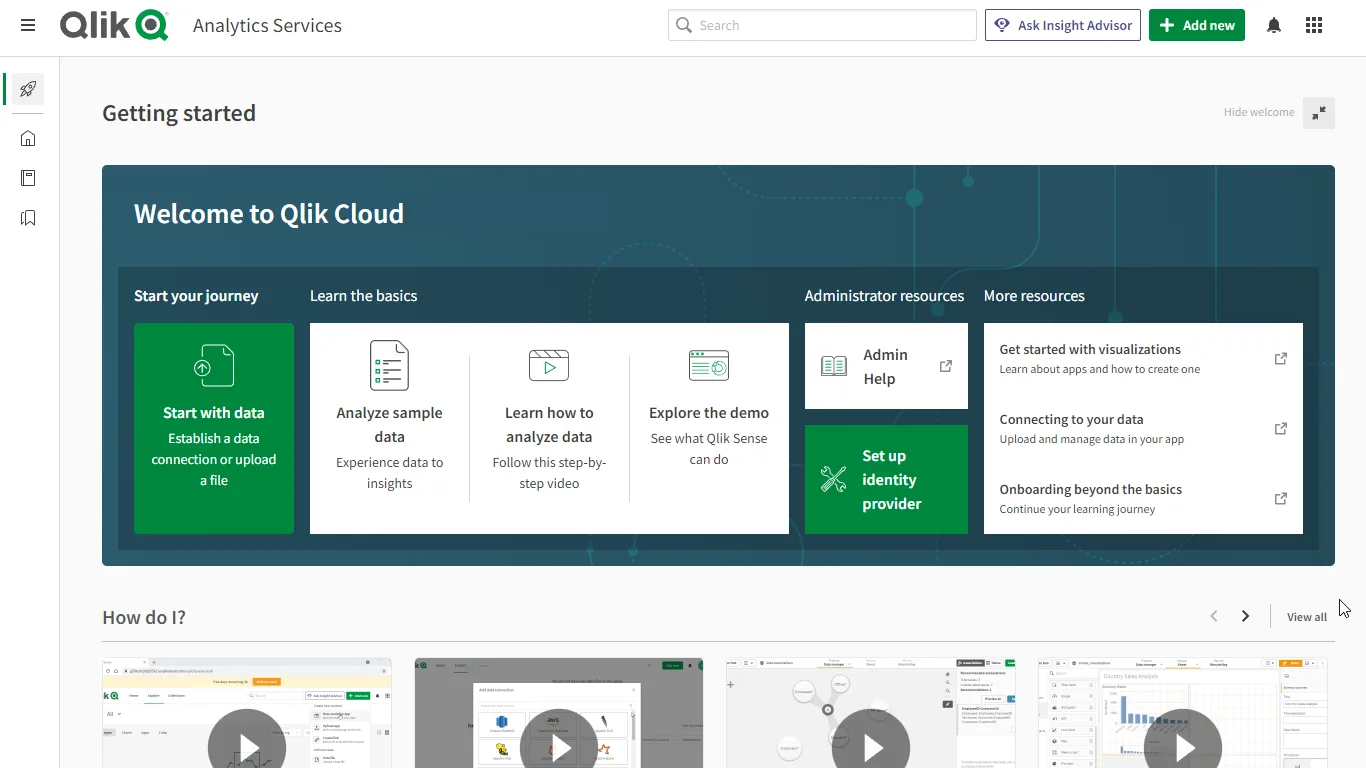
Advanced capabilities to design reports
Design reports using your preferred tools. Get the power of Excel, Word, PowerPoint and HTML to create pixel-perfect reports and answer your users’ questions.
- Native or third-party Qlik Sense visualizations in the report
- Charts as an image or as a data table
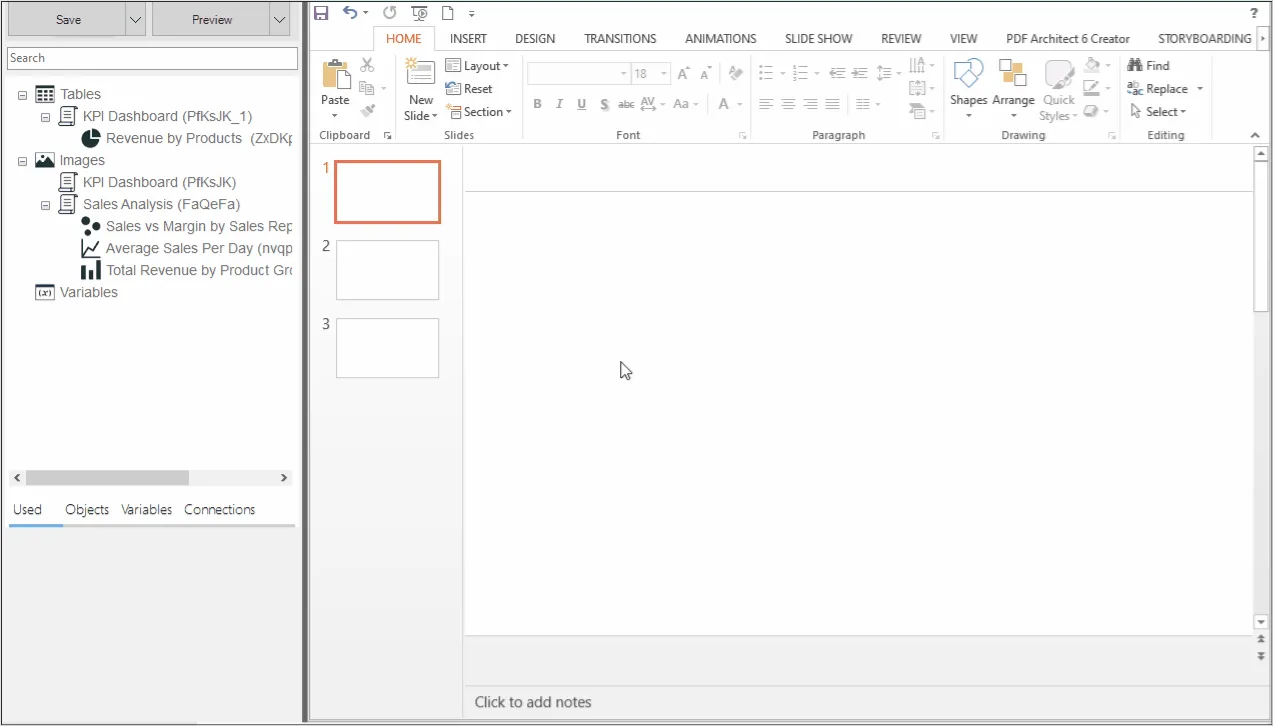
Distribute reports with confidence
Use your SMTP server to distribute reports to an unlimited number of users. Send the same report to all recipients, or a filtered one so each recipient sees only the data they are entitled to.
A Qlik Sense extension
Qalyptus Cloud offers a Qlik Sense Cloud extension that allows users to access the Qalyptus Cloud capabilities from their Qlik Sense apps.
Learn more in the documentation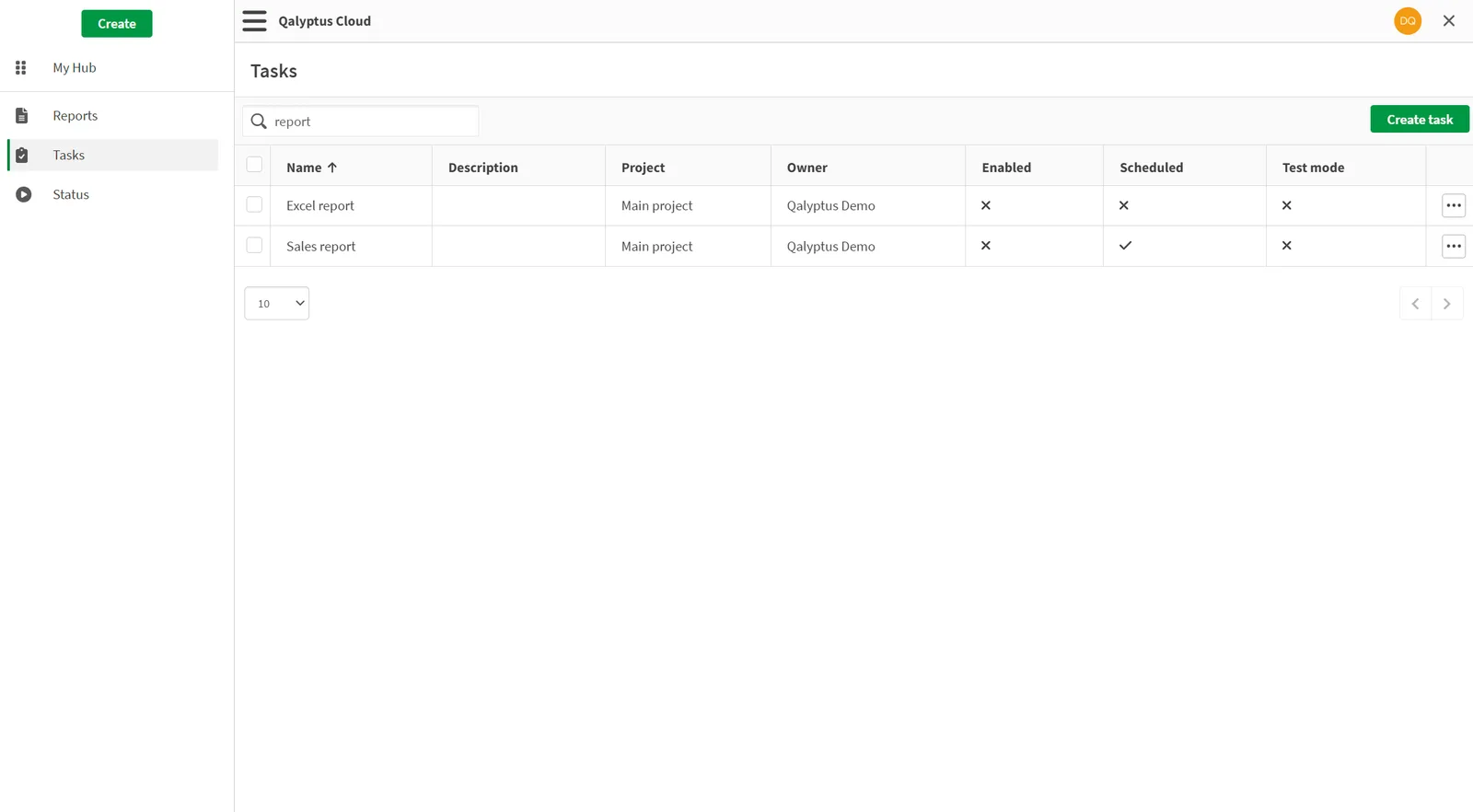
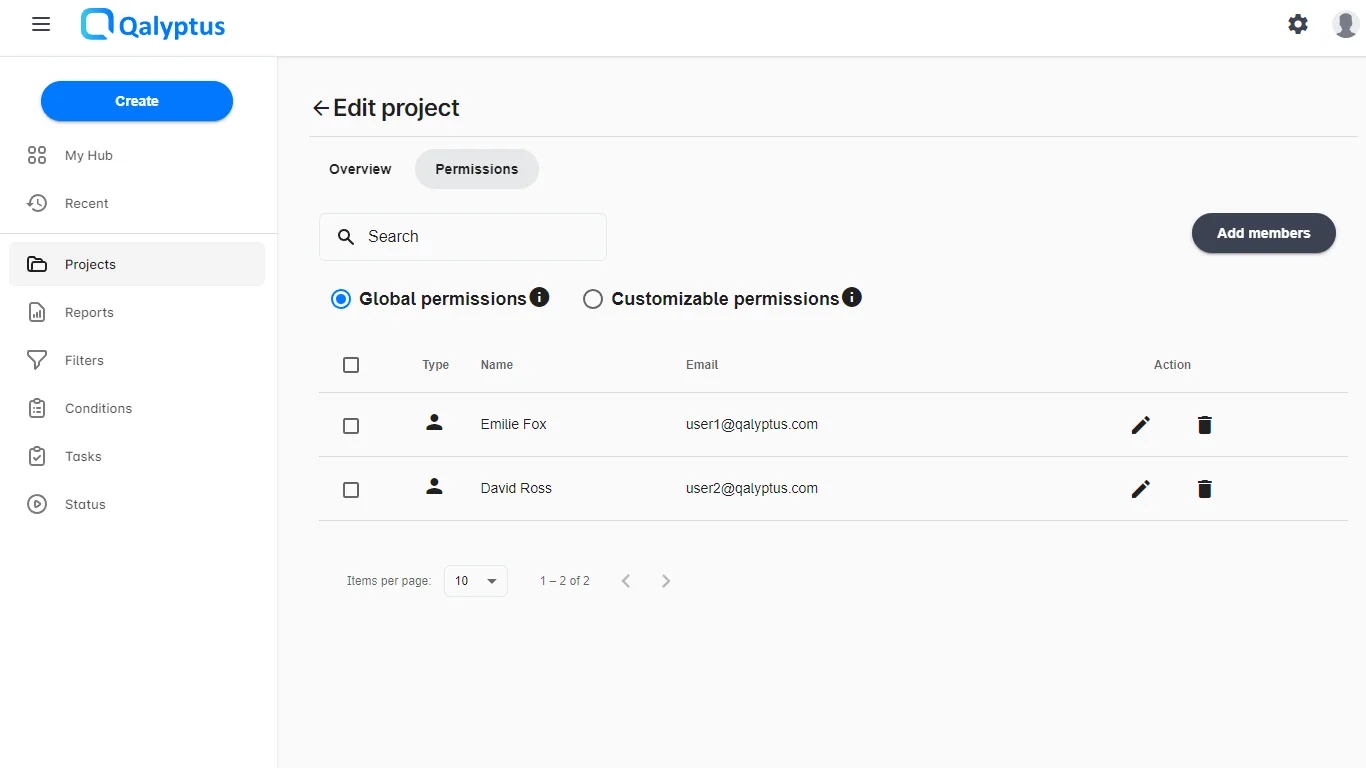
Advanced permission management
Qalyptus Cloud has a very detailed permission management system. Different roles exist to define user rights, and you decide which permissions to give each user for each element (task, report, filter, etc.).
Pairs well with
Try Qalyptus Cloud for free
Create your dedicated Qalyptus Cloud tenant and try the full version with your Qlik Sense SaaS for 30 days. No credit card.